JARVIS for Windows — Installed, Not Imagined.
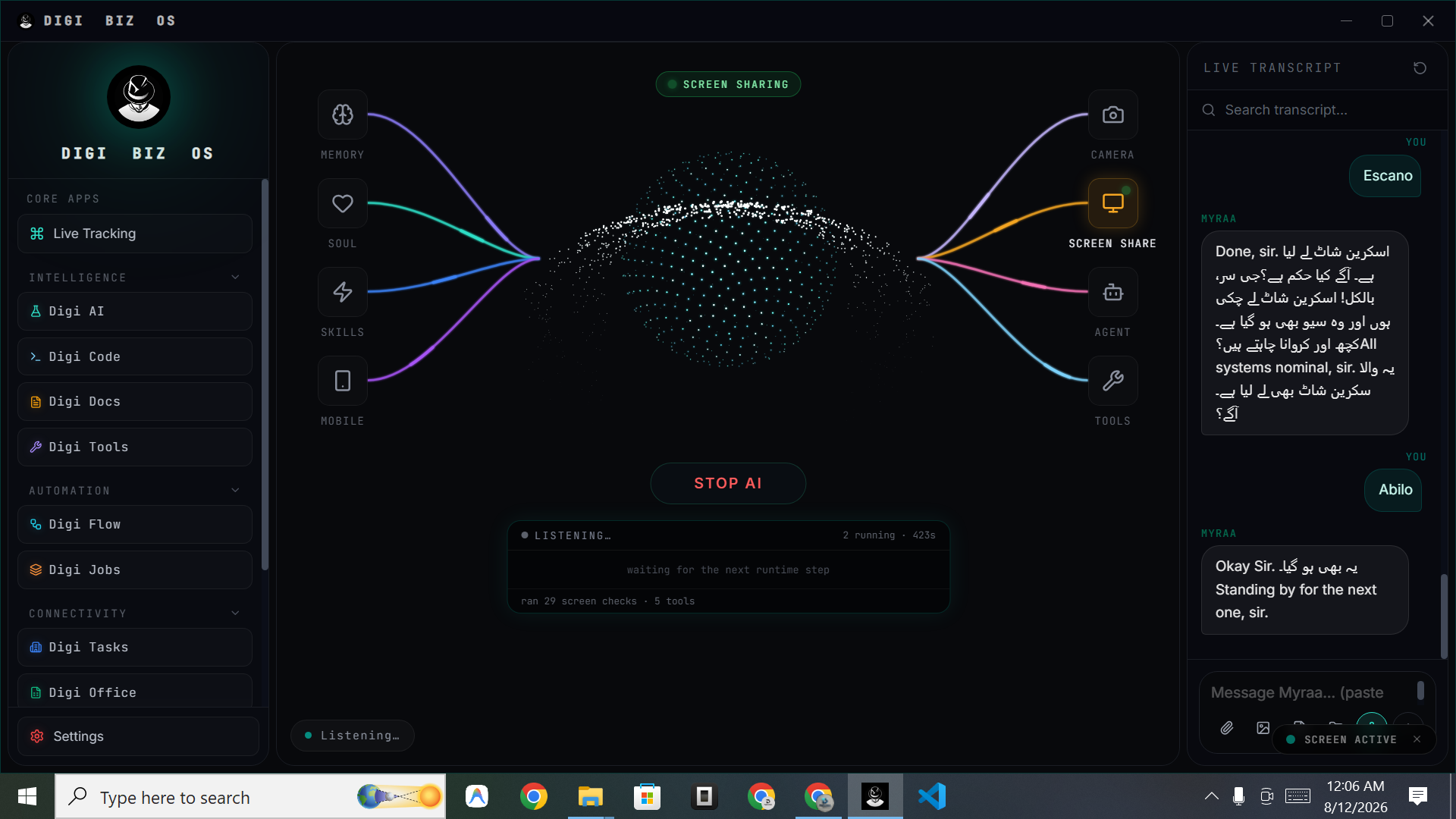
DIGI BIZ OS is a Windows application, not a browser tab. Install it on Windows 10 or 11, activate your licence and start giving spoken instructions that touch your real files, applications, terminal and documents.
Straight answers
- Which Windows versions are supported?
- Windows 10 and Windows 11. macOS, Linux and a mobile companion are marked coming soon.
- How do I install it?
- Download the installer, run it, then activate with the licence key emailed after purchase. Setup usually takes a few minutes.
- Does it control the desktop?
- Yes — with your permission it can work with applications, files, folders, clipboard and system actions.
What you get
Native install
A real Windows application with a full workspace UI.
Voice control
Push-to-talk or continuous listening with a live transcript.
File access
Local folders, batch renaming, sorting and document pipelines.
Terminal
Command execution and project work inside the coding workspace.
Scheduling
Jobs that run on your PC on a timetable.
Multi-model
Route each task to a suitable model.
What a desktop install unlocks
Web assistants are sandboxed away from your machine. A native Windows app can open the folder, read the invoice, write the spreadsheet, run the script and save the output where you expect to find it — which is where most of the time saving actually comes from.
Requirements and expectations
A modern Windows 10 or 11 PC with an internet connection for model access. Offline utilities and local file tools continue to work without network access.
Frequently asked
- Is there a macOS version?
- Not yet — macOS is listed as coming soon on the home page.
- Can it run at startup?
- Yes, it can stay resident so scheduled jobs and voice control are always available.