The AI Desktop Assistant For Windows 10 and 11.
An AI desktop assistant should be able to touch the desktop. DIGI BIZ OS installs on Windows 10 and 11 and works with your real applications, folders, documents and terminal instead of living inside a browser tab.
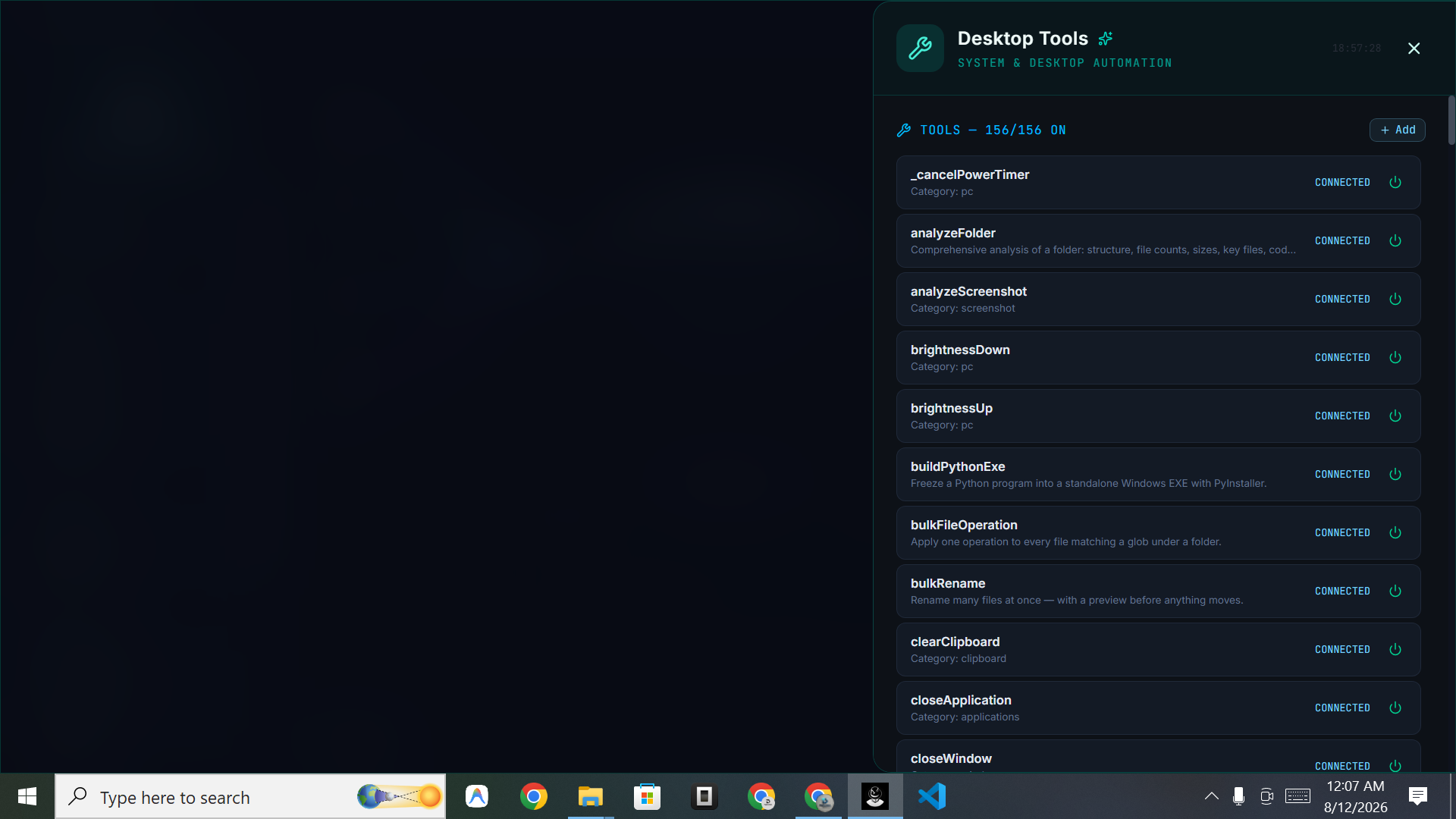
Straight answers
- What is an AI desktop assistant?
- Software installed on your computer that can understand instructions and then operate the machine — opening applications, handling files, running commands and completing tasks.
- Which operating systems are supported?
- Windows 10 and Windows 11 today. macOS, Linux and mobile builds are listed as coming soon.
What you get
Application control
Work with the desktop applications you already use.
File operations
Find, rename, sort, extract and move files across local folders.
Terminal access
Run commands through DigiCLI when a task needs the shell.
Browser work
Research and web tasks handled by a browser agent.
Screen and camera
Screen sharing and camera support for context-aware help.
Always-on voice
Speak instead of switching windows to type.
Local-first by design
Your work happens on your own machine, against your own files. That matters for speed and for businesses that cannot upload client material to third-party tools by default.
Desktop automation without scripting
Recurring desktop routines become workflows and scheduled jobs. Anything you repeat weekly can be handed over once and then simply monitored.
Frequently asked
- Is it a browser extension?
- No. It is a desktop application for Windows.
- Can it run offline utilities?
- Yes. Many of the 150+ mixed tools are offline utilities.