Computer Control
Desktop Control — Files, Apps, Screen, Camera.
Desktop control is the capability that separates DIGI BIZ OS from browser-based assistants.
Straight answers
- What desktop actions are supported?
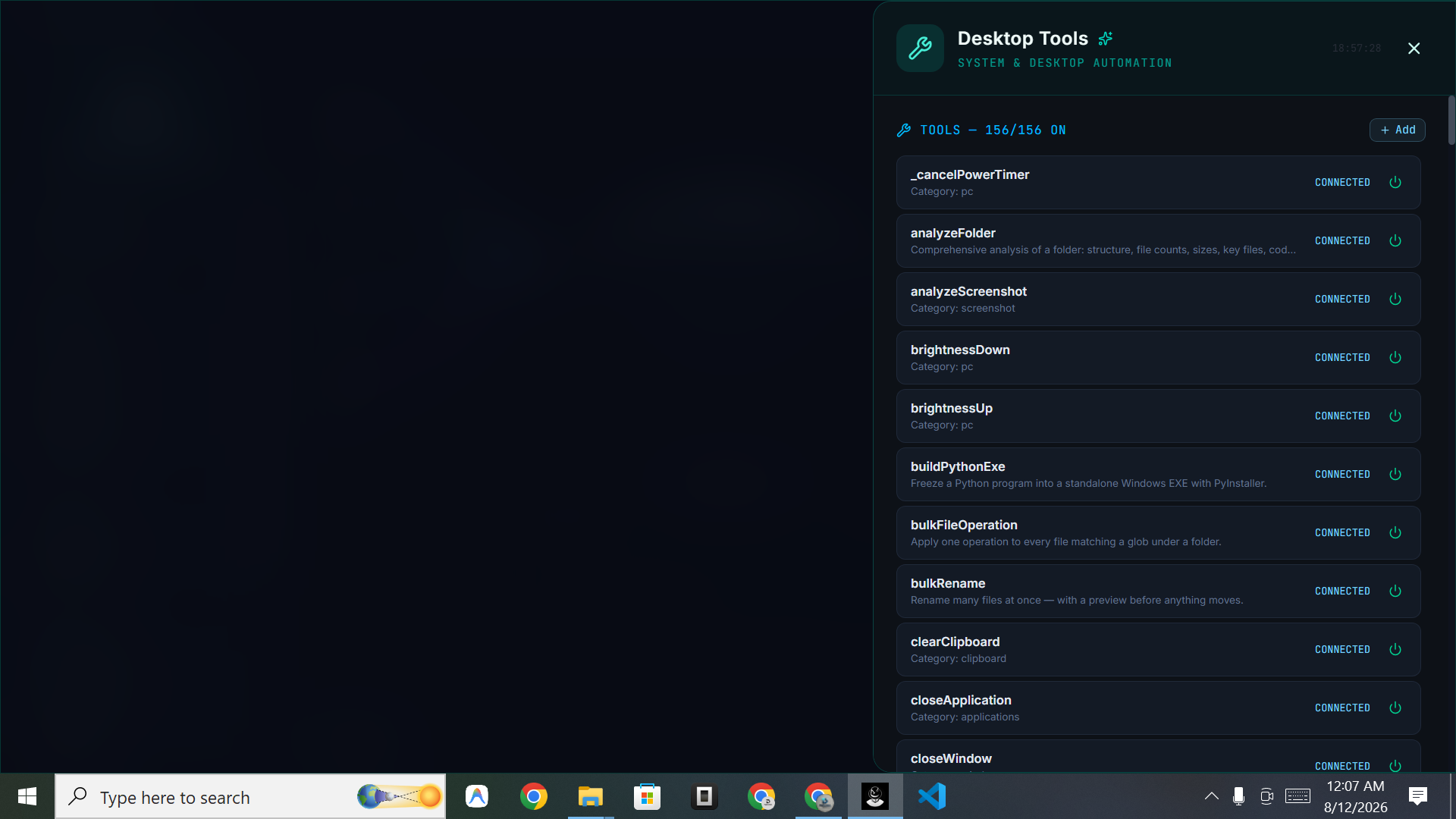
- Working with applications, files and folders, terminal commands, browser tasks, document processing, plus screen sharing and camera support for context.
What you get
Applications
Operate the apps in your workflow.
Files & folders
Bulk operations across directories.
Screen sharing
Give the OS visual context.
Camera support
Capture context when needed.
Keyboard & mouse
Supported desktop interactions.
Tracked runs
Every action visible live.
Control with oversight
Every desktop action is part of a tracked run you can stop, so autonomy never means losing visibility.
Frequently asked
- Can I limit what it does?
- You direct each run and can stop execution at any point.