AI That Can Actually Control Your Computer.
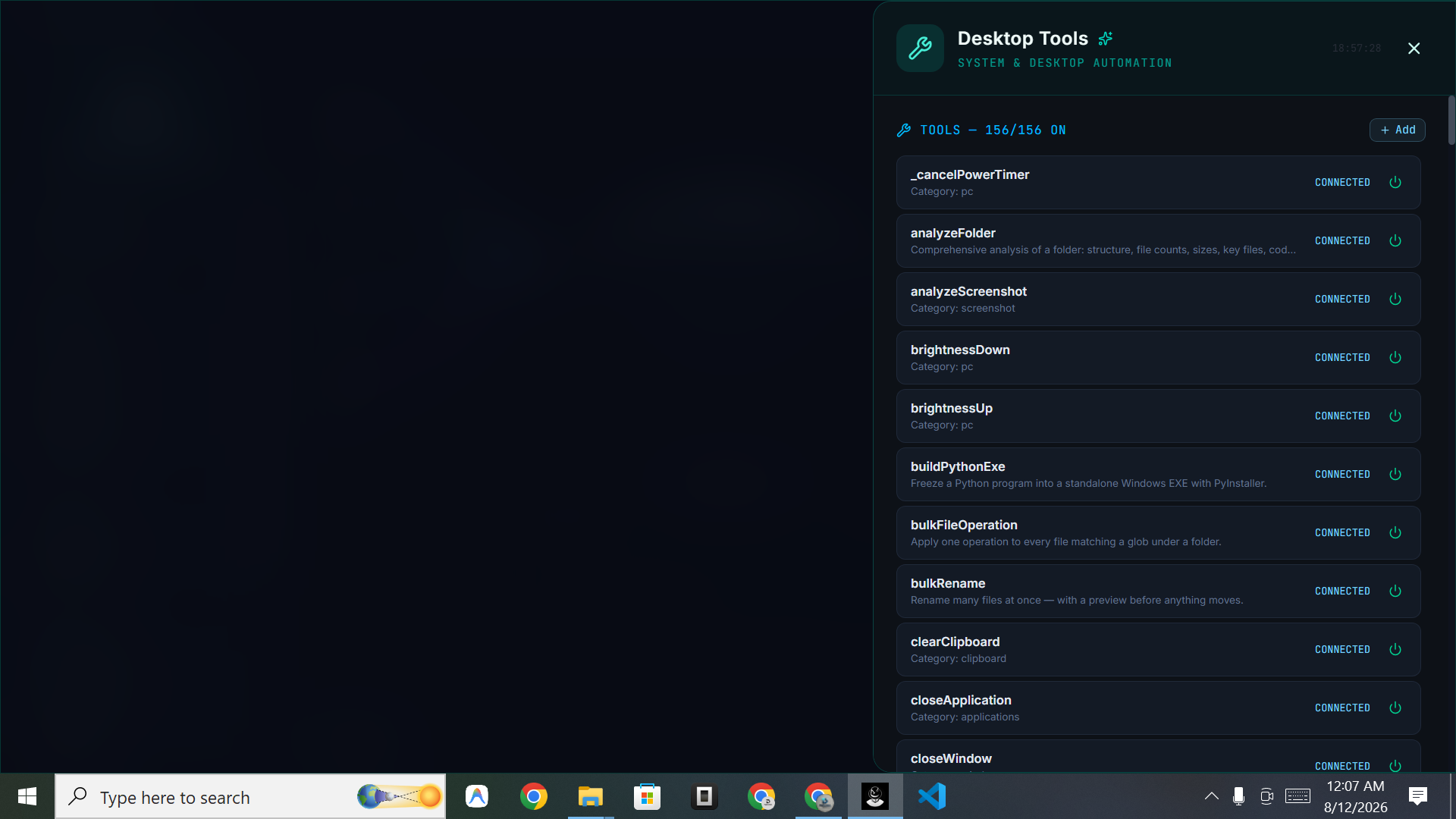
Control is the part most AI tools skip. DIGI BIZ OS is built around it: you grant permission, speak the instruction, and the assistant operates the machine — applications, files, clipboard, terminal, browser — while you watch each step in the run view.
Straight answers
- Can AI really control a computer?
- Yes. Computer-use assistants like DIGI BIZ OS act on the desktop through tools rather than only generating text, so they can open applications, move files and run commands.
- Is it safe?
- Actions run under your Windows account with your permission, and every step is logged in the run view so you can see exactly what happened.
- What are common uses?
- Sorting and renaming files, processing document batches, running scripts, gathering research, preparing reports and repeating any of these on a schedule.
What you get
Applications
Open, focus and drive the programs you already use.
Files and folders
Find, move, rename, convert and organise at volume.
Terminal
Run commands and scripts inside your projects.
Browser
Research, collect and summarise from the web.
Clipboard and system
Everyday system actions handled hands-free.
Audit trail
A complete history of the actions taken.
Permission first, always
Nothing runs without you asking for it. The assistant stays idle until you give an instruction, and destructive operations are surfaced clearly before and after execution.
Why control beats suggestion
A suggestion still leaves the work with you. Control removes the last mile: the files are actually renamed, the report is actually written and the job actually ran at 7am.
Frequently asked
- Does it need admin rights?
- Ordinary tasks run under your normal user account. Only operations that genuinely require elevation would need it.
- Can I limit what it touches?
- Yes — you choose which folders and capabilities are in scope for a given task.