Voice Control
Voice Assistant for PC Control Your Computer by Speaking.
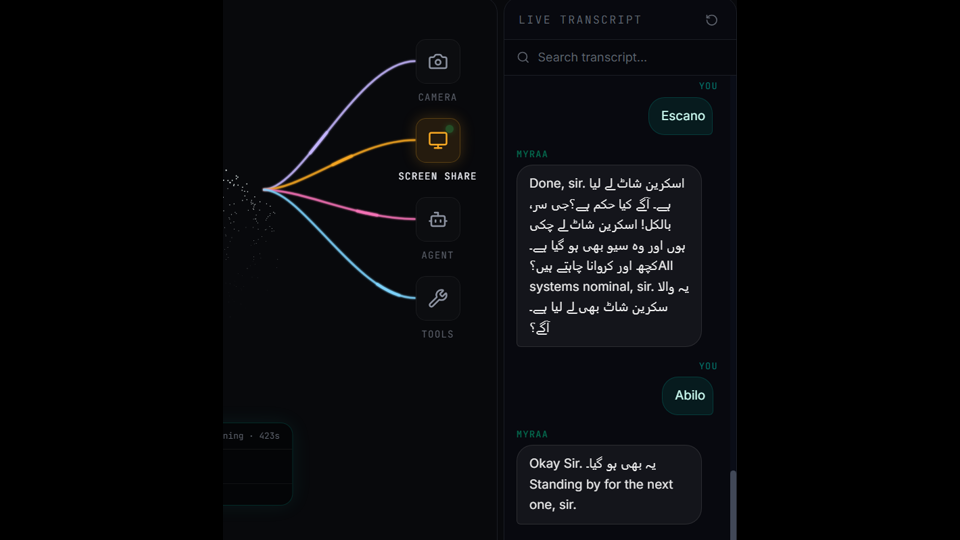
Voice-controlled computing only becomes useful when the assistant can act. DIGI BIZ OS connects speech directly to desktop execution on Windows.
Straight answers
- Can I control my PC with voice?
- Yes. DIGI BIZ OS accepts spoken instructions and executes supported desktop actions such as file operations, application work, terminal commands and document processing.
What you get
Hands-free control
Speak instead of navigating menus.
Desktop actions
Applications, files and folders.
Command execution
Terminal work when required.
Document handling
PDF and OCR operations by voice.
Scheduling by voice
Set up recurring jobs verbally.
Live feedback
Track each step as it runs.
Accessibility and speed
Voice control reduces repetitive navigation for everyone and makes long routines far quicker to launch.
Frequently asked
- Does it need internet?
- Some capabilities are offline utilities; connected models and services require a connection.